improved
Workforce
Compliance
Reporting
Reporting: Separate Casual Conversion Dashboards for Admins and Managers 🔐
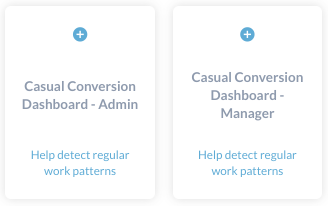
The Casual Conversion Dashboard is now available in both an Admin view and Manager view.
While the dashboard will appear the same for admins, a manager's Casual Conversion Dashboard will only display staff in the teams they manage, allowing them to access the relevant information faster.
To enable the new versions, an admin can navigate to
Settings > Platform > Reports
and select the Casual Conversion Dashboard - Admin
report or Casual Conversion Dashboard - Manager
report. Managers will also need the permission to
View embedded reports
to access this dashboard.